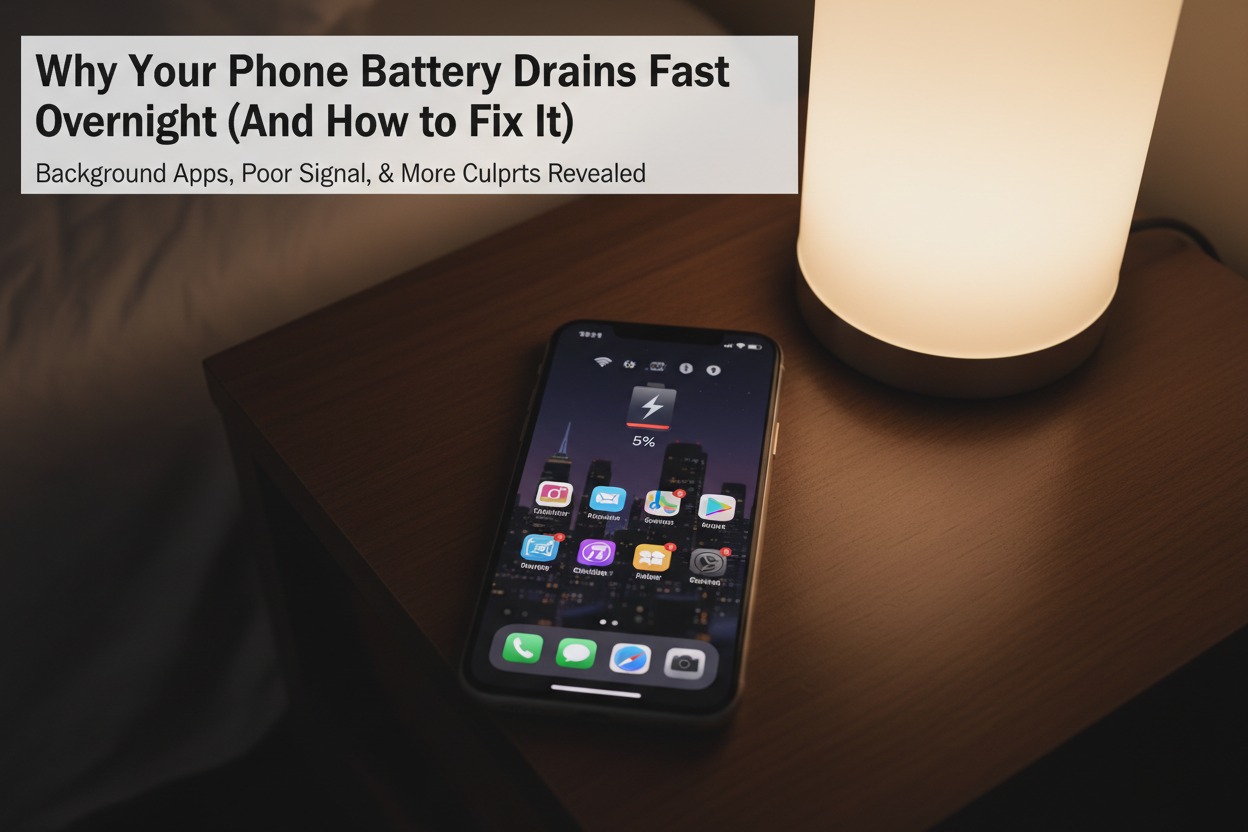
There’s hardly anything more frustrating than reaching for your phone first thing in the morning, only to find its battery alarmingly low or, worse, completely dead. You plugged it in, or at least you thought you had enough charge to last the night, so what gives? This common annoyance isn’t always about an old battery; often, several hidden culprits are silently siphoning power while you sleep. Understanding these stealthy battery drainers is the first step to waking up to a fully charged device every day.
Why Your Phone Dies Overnight: The Hidden Causes
Even when you’re not actively using it, your phone is a hive of activity, especially with numerous apps running in the background. These applications, from social media to email clients and cloud backup services, constantly refresh, sync data, and check for updates. While individually they might seem insignificant, collectively they can create a substantial draw on your battery, performing tasks like uploading photos, fetching new emails, or updating their content feeds, all while your phone appears to be "asleep."
Beyond background apps, your phone’s various connectivity features are major power consumers. Wi-Fi, Bluetooth, and cellular data are often left on, constantly searching for networks, maintaining connections, or scanning for nearby devices. GPS and location services, even if not actively navigating, can ping your location periodically for certain apps. Furthermore, if you’re in an area with poor cellular signal, your phone has to work much harder to maintain a connection, significantly increasing its power consumption as it constantly boosts its signal strength.
Sometimes, the issue isn’t just about what’s running, but how it’s running. Software glitches or rogue applications can occasionally get stuck in a loop, causing them to consume excessive power without performing any useful function. Operating system updates, while often improving performance and battery life, can sometimes introduce new bugs that negatively impact power management. And yes, while not the only reason, an aging battery naturally loses its capacity over time, meaning it simply can’t hold as much charge as it once could, making overnight drain more pronounced and noticeable.
Keep It Charged: Simple Fixes for Battery Drain
One of the most effective ways to combat overnight battery drain is to manage your background app activity. Take a look at your phone’s battery usage statistics in its settings; you might be surprised to see which apps are the biggest power hogs. For non-essential apps, consider restricting their background refresh or disabling automatic updates. Enabling your phone’s ‘Low Power Mode’ or ‘Battery Saver’ feature, especially before bed, can automatically throttle background processes and reduce power consumption significantly without you having to manually adjust every setting.
Optimizing your phone’s connectivity settings can also yield substantial improvements. If you don’t need internet access or device pairing overnight, consider turning off Wi-Fi, Bluetooth, and mobile data, or simply switch to Airplane Mode. This prevents your phone from constantly searching for networks and maintaining connections. Similarly, review your location services settings and disable GPS for apps that don’t genuinely need it, or set them to only access your location "While Using the App" rather than "Always."
Finally, maintaining good software hygiene and monitoring battery health are crucial. Regularly restarting your phone can help clear out temporary glitches and rogue processes that might be draining power. Always keep your phone’s operating system and apps updated, as these updates often include power management improvements and bug fixes. If your phone’s battery health has significantly degraded (most smartphones provide this information in their settings), replacing the battery at an authorized service center can breathe new life into your device and solve persistent drain issues.
Waking up to a fully charged phone doesn’t have to be a dream. By understanding the common culprits behind overnight battery drain – from restless background apps and ever-searching connectivity to the occasional software hiccup or aging hardware – you can take proactive steps to safeguard your phone’s power. A few simple adjustments to your settings and habits can make a significant difference, ensuring your phone is ready to go when you are, every single morning.