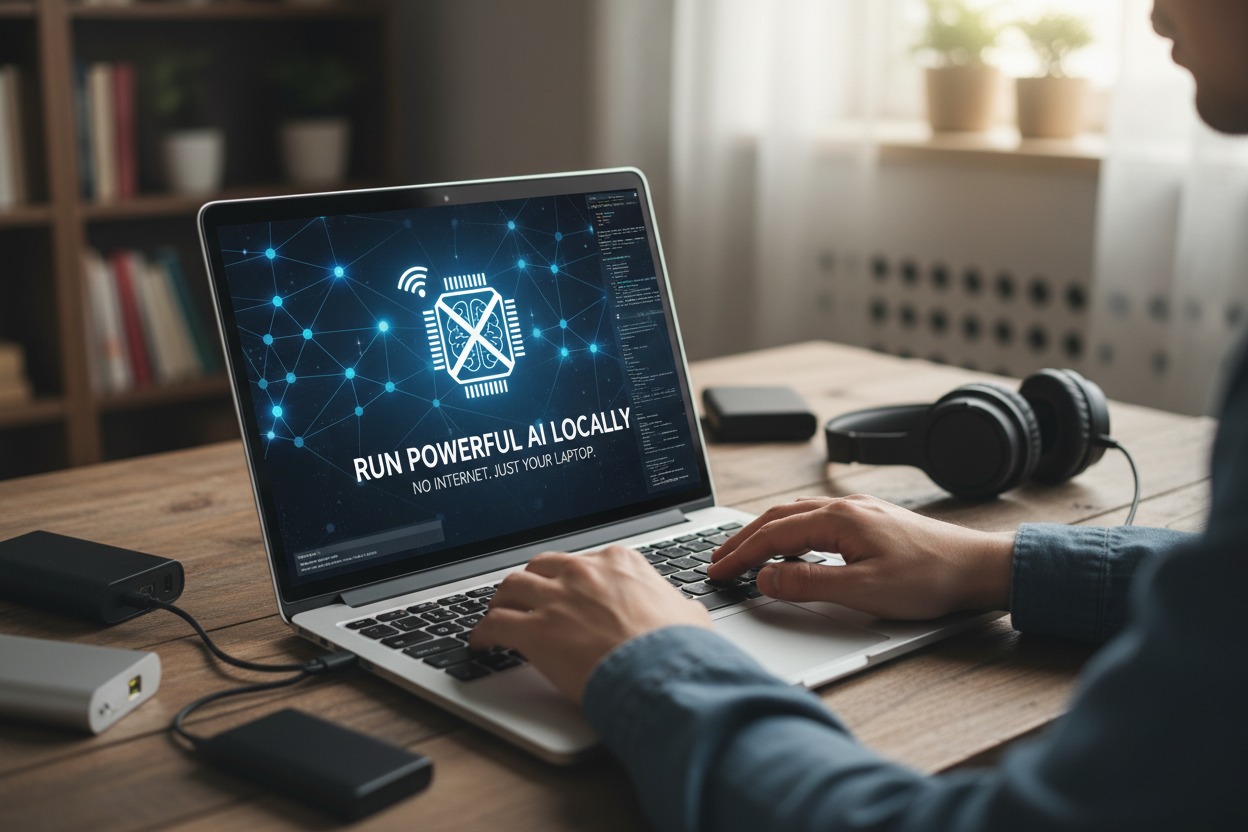
Imagine harnessing the incredible power of artificial intelligence, not through a distant cloud server, but right on your own laptop. No internet connection, no subscription fees, just raw AI capability at your fingertips. This isn’t a futuristic dream; it’s today’s reality. Running powerful AI models locally means you gain unparalleled privacy, blazing-fast responses, and the freedom to innovate anywhere, anytime, completely offline.
Unleash AI Power: Laptop-Only, Offline Freedom
The era of AI being exclusively locked away in massive data centers is rapidly drawing to a close. We’re witnessing a significant shift, empowering individuals to bring sophisticated AI capabilities directly to their personal devices. This means you can now run large language models (LLMs) for tasks like text generation, summarization, coding assistance, or even specialized models for creative writing and data analysis, all without ever touching the internet. It transforms your laptop from a mere access point to the cloud into a self-contained, intelligent workstation.
This local AI revolution is a game-changer for several crucial reasons. First and foremost is privacy: your data, prompts, and generated content never leave your machine, eliminating concerns about sensitive information being transmitted or stored externally. Secondly, speed is dramatically improved; without the latency of internet requests, responses are nearly instantaneous, making interactions feel fluid and natural. Finally, it offers incredible accessibility and cost-effectiveness – once the models are downloaded, you can use them indefinitely without incurring ongoing subscription or API fees, whether you’re on a plane, in a remote cabin, or facing an internet outage.
While cloud-based AI still offers unparalleled scale for enterprise applications, the "powerful" aspect of local AI for personal use has truly matured. Thanks to advancements in model quantization and optimization, models with billions of parameters, once thought exclusive to server farms, can now run surprisingly well on consumer-grade hardware. This means you’re not getting a watered-down version of AI; you’re gaining access to highly capable models that can significantly boost productivity, inspire creativity, and provide intelligent assistance across a myriad of daily tasks, putting you firmly in control of your digital intelligence.
Your Offline AI Lab: Essential Setup Steps
Transforming your laptop into an offline AI powerhouse begins with ensuring you have the right hardware foundations. While you don’t need a supercomputer, a reasonably modern laptop is highly recommended. For most text-based AI models, a strong CPU combined with ample RAM is often sufficient; aim for at least 16GB of RAM, with 32GB being ideal for running larger models efficiently. A dedicated GPU (like an NVIDIA card with sufficient VRAM) will significantly accelerate performance for many models, especially those involving image generation or very large language models, but it’s not always a strict requirement to get started. Crucially, ensure you have plenty of free storage – powerful AI models can range from a few gigabytes to over 100GB.
Once your hardware is ready, the next step involves acquiring the necessary software tools. The good news is that this process has become remarkably user-friendly thanks to dedicated local AI runtimes. Popular options like Ollama, LM Studio, or Jan.ai provide intuitive interfaces that abstract away much of the underlying complexity. These applications act as a bridge, allowing you to easily browse, download, and manage a wide array of pre-trained AI models directly to your laptop. The initial download of these runtimes and the AI models themselves is the only internet-dependent step in the entire process; once they’re on your machine, you’re free to disconnect.
Setting up your offline AI lab is surprisingly straightforward. First, download and install your chosen local AI runner (e.g., Ollama) from its official website. Next, use the runner’s built-in interface to browse its library of available AI models, such as Llama 3, Mistral, or Gemma. Select and download the model(s) that best suit your needs. Once the download is complete, you can literally turn off your Wi-Fi, unplug your ethernet cable, and launch the AI application. You’ll then be able to interact with the model via a chat interface, generating text, answering questions, or performing other tasks, all powered exclusively by your laptop’s local resources. It’s a truly liberating experience, bringing cutting-edge AI directly into your personal sphere of control.
Running powerful AI locally on your laptop isn’t just about convenience; it’s about reclaiming control, safeguarding your privacy, and experiencing immediate, unhindered access to intelligent tools. This capability transforms your device into a personal AI companion, ready to assist you anywhere, without relying on external servers or an internet connection. The future of AI is personal, private, and powerful – and it’s already here, waiting to be unleashed from within your own machine.