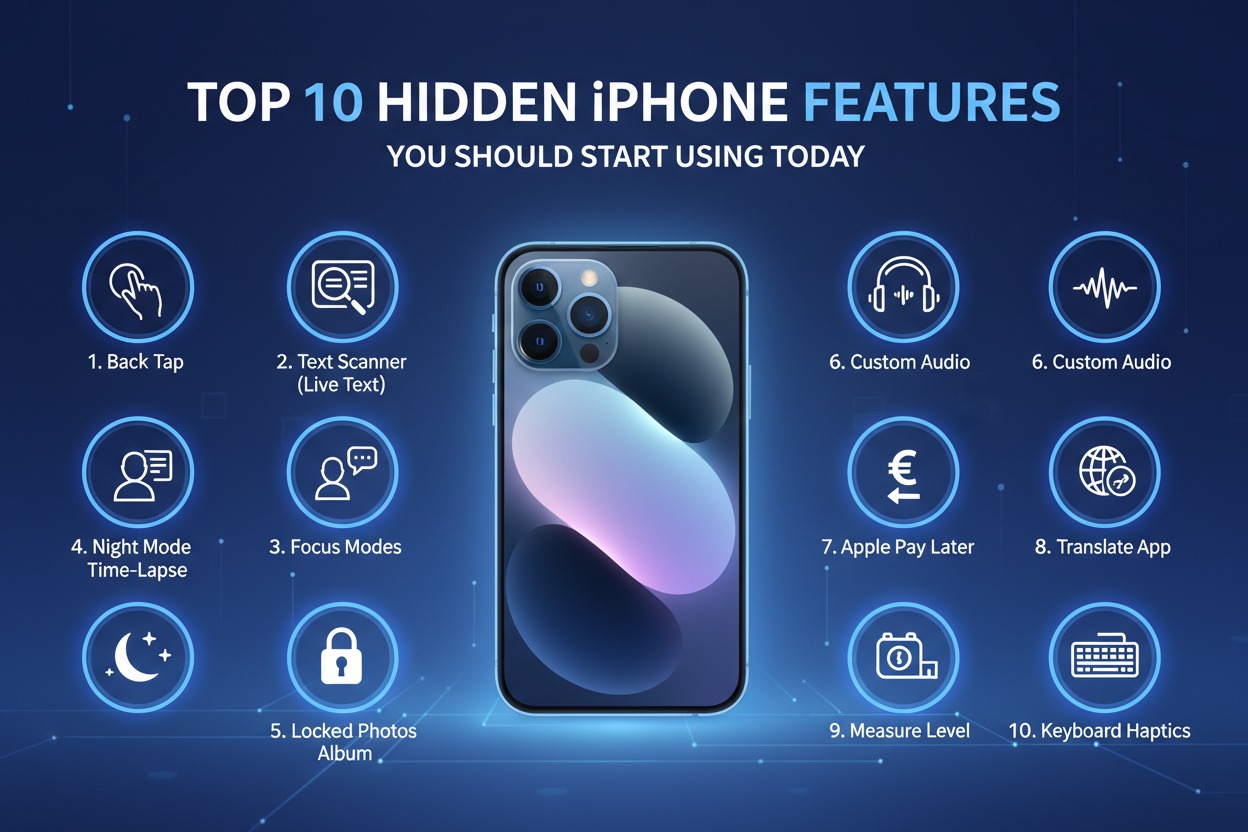
Your iPhone is a powerhouse of technology, but most of us only ever scratch the surface of what it can actually do. While you might be an expert at sending texts and snapping photos, there is a vast ecosystem of hidden tools tucked away in iOS designed to save you time and streamline your digital life. If you are ready to stop using your phone like a beginner and start using it like a pro, it is time to uncover the features that Apple keeps just out of plain sight.
Hidden Shortcuts to Boost Your Daily Productivity
One of the most life-changing shortcuts is the "Back Tap" feature, which allows you to trigger specific actions simply by tapping the back of your phone. By heading into your Accessibility settings, you can assign a double or triple tap to perform tasks like taking a screenshot, opening your camera, or pulling down the Control Center. It feels like magic once you get used to it, and it saves you from fumbling with physical buttons or complex on-screen menus when you are in a rush.
Another productivity gem is the hidden text-replacement tool found within the Keyboard settings. This allows you to create custom shortcuts for long phrases you type often, such as your email address, physical address, or common work responses. For instance, you can set "@@" to automatically expand into your full email address. It’s a massive time-saver that eliminates the tedious task of typing out repetitive information, helping you breeze through your inbox and messaging apps with minimal effort.
Finally, you should start utilizing the "Scan Documents" feature directly from your Notes app. Instead of downloading third-party scanning apps that are often cluttered with ads, simply open a new note, tap the camera icon, and select "Scan Documents." Your iPhone uses its advanced image processing to automatically crop, straighten, and enhance your papers, allowing you to save them as professional PDFs instantly. It is the ultimate tool for anyone dealing with paperwork, receipts, or class notes on the go.
Master These Secret iPhone Settings Right Now
If you are tired of being interrupted by spam calls, you need to enable the "Silence Unknown Callers" feature immediately. By navigating to your Phone settings, you can toggle this on so that any number not in your contacts is automatically sent straight to voicemail without ringing your phone. It is a peaceful way to reclaim your focus, and you can still view the missed calls in your recent list later if you are worried about missing something important.
For those who value their digital privacy, the "App Privacy Report" is a feature you should check at least once a week. Buried in the Privacy & Security menu, this report gives you a detailed breakdown of how often your apps are accessing your location, photos, microphone, and camera. It is an eye-opening way to see exactly what your apps are doing in the background, allowing you to revoke permissions for any application that feels a little too "curious" about your personal data.
Lastly, you can significantly extend your battery life and improve your focus by mastering the "Focus" filters. Most people use Focus for basic notifications, but you can actually set up specific filters to hide distracting home screens or disable specific email accounts during your work hours. By customizing these settings to show only what you need, you reduce the temptation to scroll through social media when you should be working, making your iPhone a tool for productivity rather than a source of constant distraction.
Taking the time to explore these hidden settings can fundamentally change how you interact with your device. Whether you are looking to shave seconds off your daily tasks or protect your privacy from prying apps, these features provide the control you need to make your iPhone truly your own. Start by implementing just one or two of these tips today, and you will quickly realize that your phone is far more capable than you ever imagined.