In today’s hyper-connected world, our smartphones have become extensions of ourselves, holding everything from private photos to sensitive financial information. As we rely more heavily on these devices for daily tasks, cybercriminals are increasingly targeting mobile operating systems with sophisticated malware and phishing schemes. Protecting your digital life requires more than just luck; it demands a proactive approach to security. By understanding the risks and adopting a few critical habits, you can significantly reduce your vulnerability to modern cyber threats.
Essential Habits to Secure Your Mobile Device
The most effective line of defense for your smartphone is keeping your software updated at all times. Operating system updates and app patches frequently include vital security fixes that plug known vulnerabilities discovered by developers. When you delay these updates, you leave your device exposed to exploits that hackers have already figured out how to leverage. Make it a habit to enable automatic updates so your phone is fortified the moment a new security patch is released by the manufacturer.
Beyond software maintenance, managing your access points is crucial for long-term security. Always use strong, unique passwords for your accounts and enable multi-factor authentication (MFA) whenever it is available. MFA acts as a secondary gatekeeper, ensuring that even if a hacker manages to steal your password, they cannot access your accounts without that second piece of verification. Additionally, avoid connecting to public Wi-Fi networks in places like cafes or airports without a reliable VPN, as these unsecured networks are prime hunting grounds for attackers looking to intercept your data.
Finally, be highly selective about the permissions you grant to the applications installed on your device. Many apps request access to your contacts, camera, location, or microphone even when such access is not necessary for the app to function properly. Regularly audit your app permissions in your phone’s settings menu and revoke access for any app that seems overly invasive. By limiting what your apps can see and do, you minimize the potential damage a malicious or poorly coded application can inflict if it happens to be compromised.
Best Practices for Detecting Hidden Malware
Detecting malware on a smartphone can be tricky because modern malicious software is designed to operate stealthily in the background. One of the most common red flags is a sudden, unexplained degradation in device performance. If your phone begins to run unusually hot, experiences rapid battery drain, or starts crashing frequently, it could be a sign that a hidden process is consuming your system resources. Keep an eye on your data usage as well; some malware secretly transmits your private data to external servers, which often results in an unexpected spike in your mobile data consumption.
Another effective way to sniff out potential threats is to pay attention to abnormal system behavior. This includes intrusive pop-up advertisements that appear even when you aren’t using a web browser, or new apps appearing on your home screen that you don’t remember downloading. If you notice your device settings changing on their own or your browser redirecting you to suspicious websites, it is highly likely that your device has been compromised. Trust your instincts—if your phone starts acting “jittery” or performing actions without your input, you need to investigate immediately.
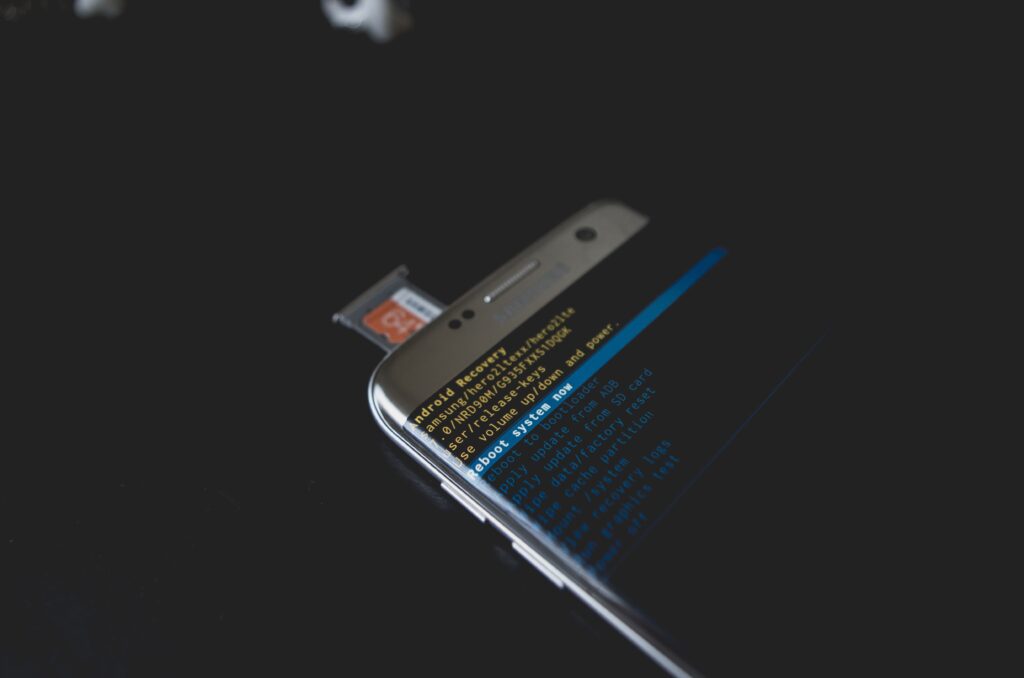
If you suspect that your device is infected, start by reviewing your list of installed applications and removing anything that looks unfamiliar or suspicious. If the problem persists, perform a deep scan using a reputable mobile security app to identify and quarantine malicious files. In more severe cases, reverting your phone to its factory settings is the most reliable way to wipe out deeply embedded malware. Remember that prevention is always easier than the cure, so regularly backing up your data to a secure cloud service will ensure you don’t lose your precious files if you ever need to perform a hard reset.
Securing your smartphone does not have to be an overwhelming or complicated chore. By integrating these essential habits and staying alert to the signs of malicious activity, you create a robust perimeter around your personal information. Remember that technology is constantly evolving, and so are the tactics used by hackers, so remaining vigilant is a lifelong commitment. Stay curious, keep your software current, and treat your smartphone with the same caution you would your physical wallet, and you will stay safely ahead of the threats.