Is your home Wi-Fi feeling sluggish, unreliable, or just plain frustrating? Before you rush out to buy the latest and greatest new router, take a deep breath. Often, the solution to a faster, more stable internet connection lies not in new hardware, but in simply optimizing what you already have. Many common Wi-Fi woes can be resolved with a few smart adjustments and clever tricks, saving you money and hassle.
Unlocking Your Existing Router’s Full Potential
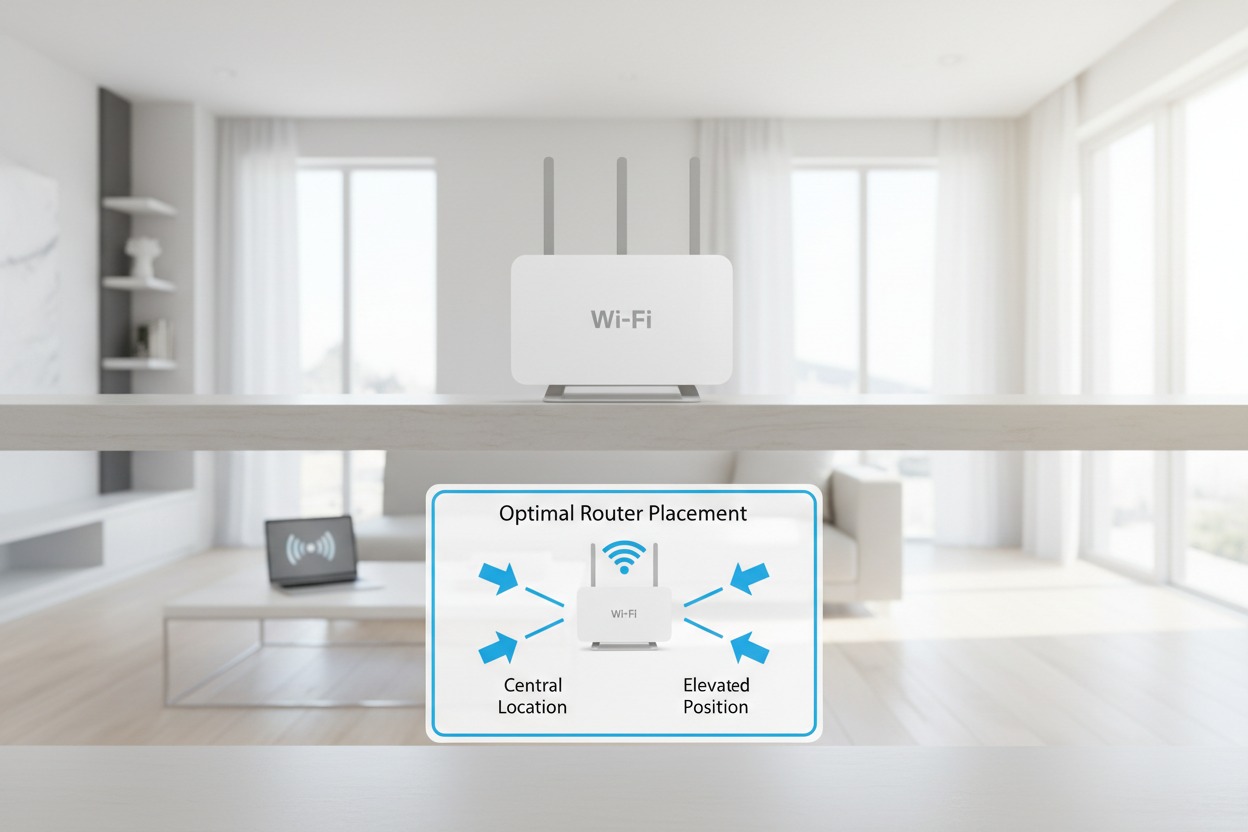
One of the most overlooked aspects of Wi-Fi performance is the physical placement of your router. While it might be convenient to tuck it away in a cabinet or corner, this can severely impede its signal. Walls, floors, large metal objects, and even common household appliances like microwaves can act as formidable signal blockers. For optimal coverage, try to position your router in a central location within your home, elevated off the floor, and away from obstructions, allowing its signal to propagate freely in all directions.
Beyond physical placement, diving into your router’s settings can yield significant improvements. Start by checking for firmware updates; router manufacturers frequently release new firmware that improves performance, security, and stability. Next, investigate your Wi-Fi channels. In congested urban areas, neighboring Wi-Fi networks can cause interference on the same channels. Using a Wi-Fi analyzer app (available for smartphones) can help you identify less crowded channels for both 2.4GHz and 5GHz bands, allowing your router to broadcast with less competition and more efficiency.
Many modern routers also come equipped with a feature called Quality of Service (QoS). This powerful setting allows you to prioritize internet traffic for specific devices or applications. For example, you can set your streaming service or gaming console to have priority over background downloads, ensuring a smooth, buffer-free experience when it matters most. While navigating your router’s administration page might seem daunting at first, a quick search for your router model’s manual will guide you to these essential settings and help you tailor your network to your family’s specific needs.
Simple Tweaks for a Stronger, Faster Connection
Interference is a silent killer of Wi-Fi signals, and it comes from a surprising number of sources within your home. Cordless phones, microwaves, Bluetooth devices, and even smart home gadgets operating on the same 2.4GHz frequency can disrupt your Wi-Fi. If you’re experiencing drops or slow speeds, try to identify and move these potential interference sources away from your router. Utilizing the 5GHz band more frequently for compatible devices can also help, as it typically experiences less interference, although its range is generally shorter than the 2.4GHz band.
If your router features external antennas, don’t just leave them pointing randomly. Experiment with their orientation. For instance, if you have two antennas, try positioning one vertically and the other horizontally. This can help optimize the signal for devices on different floors or at varying distances, as Wi-Fi signals travel in waves and can be influenced by antenna direction. Additionally, ensure your client devices – laptops, smartphones, tablets – have updated Wi-Fi drivers, as outdated software can sometimes hinder their ability to connect efficiently or maintain a strong signal.
Finally, managing your network’s hygiene can make a significant difference. Regularly rebooting your router can clear its memory and resolve minor glitches, much like rebooting a computer. Furthermore, make sure you’re using a strong, unique password for your Wi-Fi network. This prevents unauthorized users from freeloading on your bandwidth, which can slow down your connection for legitimate users. Also, be mindful of the number of active devices on your network; disconnecting devices that aren’t in use can free up bandwidth and improve performance for those that are.
Boosting your home Wi-Fi doesn’t have to mean spending money on a new router. By implementing these simple, yet often overlooked, strategies – from optimal placement and configuration adjustments to managing interference and network usage – you can unlock the full potential of your existing setup. Take the time to experiment with these tweaks, and you’ll likely discover that a faster, more reliable internet experience is well within reach, enhancing your daily digital life without breaking the bank.