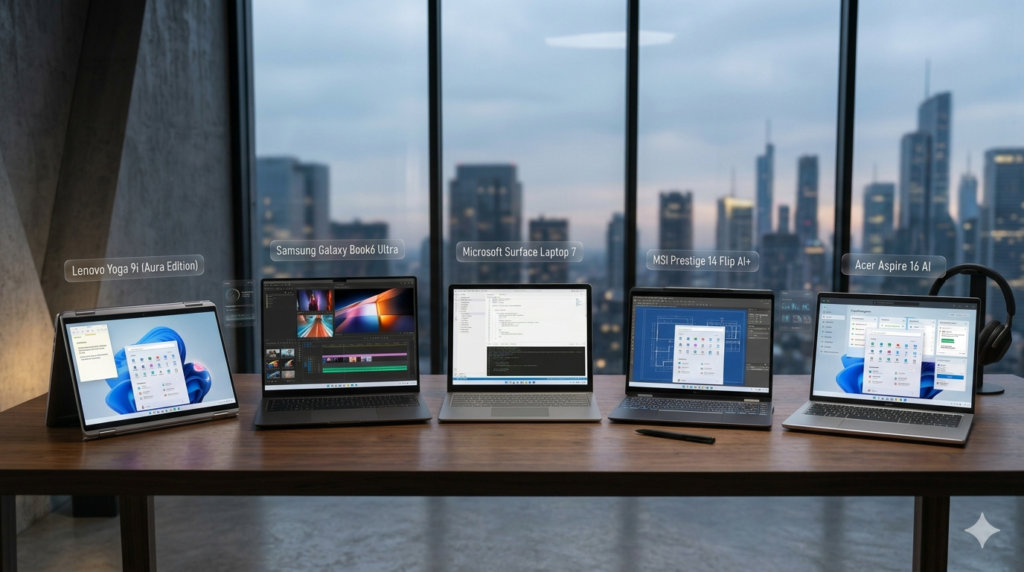
 As we move through 2026, the laptop landscape has undergone a profound transformation, moving far beyond the glossy, unresponsive glass displays of the early 2020s. Today, “tactile screens”—displays that utilize advanced haptic feedback, electrostatic friction, and localized vibration to mimic the feel of physical buttons, paper, and textures—have become the gold standard for premium Windows devices. No longer just a gimmick for digital artists, these sensory-rich interfaces have revolutionized how we interact with our operating systems, making productivity feel more intuitive and immersive than ever before. Whether you are a creative professional seeking the drag of a real pencil on paper or a business user wanting the reassuring click of a virtual keyboard, the latest crop of Windows laptops delivers an unparalleled hands-on experience.
Why Tactile Screens Are Dominating Windows in 2026
The rapid rise of tactile screens in 2026 is largely driven by breakthroughs in electrostatic and micro-vibration technologies. Unlike traditional touchscreens that offer a uniform, slippery surface, modern tactile displays can dynamically alter their surface friction. When you slide your finger across the screen, the display can simulate the rough grain of wood, the smooth glide of metal, or the distinct ridges of a scroll bar. This physical feedback loop reduces cognitive load, allowing users to navigate their devices using muscle memory and touch rather than relying solely on visual confirmation.
Furthermore, Microsoft’s latest operating system updates have been engineered from the ground up to support these sensory interfaces. Windows now features native haptic APIs that allow software developers to program specific physical sensations for different on-screen elements. Snapping windows into place now triggers a satisfying magnetic “thud,” sliding a volume control feels like adjusting a physical mixing console, and typing on the virtual on-screen keyboard produces a localized click directly beneath your fingertips. This deep software integration has turned tactile feedback from a hardware novelty into an essential pillar of the Windows user experience.
Beyond mere novelty, these screens offer immense practical benefits for accessibility and creative precision. Visually impaired users can now navigate complex digital layouts by feeling the borders of windows and buttons, dramatically lowering the barrier to entry for modern computing. For digital artists, architects, and designers, the ability to feel the resistance of a virtual canvas or the texture of a drafting medium has bridged the final gap between traditional analog creation and digital convenience. In 2026, a laptop without tactile feedback simply feels incomplete.
Our Top Picks for the Best Tactile Windows Laptops
Leading the pack this year is the Dell XPS 14 Tactile Edition, which seamlessly blends raw performance with cutting-edge sensory technology. Equipped with an Active Haptic OLED display, this laptop offers incredibly rich colors alongside localized haptic zones that can simulate different textures simultaneously. Powered by the latest neural-processing-unit-heavy silicon, the XPS 14 dynamically adjusts its screen friction based on what is displayed, making it the premier choice for professionals who demand both computing power and tactile precision. It is a masterclass in modern industrial design, proving that tactile screens are ready for mainstream power users.
For digital artists and note-takers, the HP Spectre Canvas 16 stands out as the ultimate creative tool. HP has paired a high-refresh-rate display with a proprietary “Paper-Feel” electrostatic layer that perfectly mimics the drag and resistance of a real pencil on high-quality sketch paper. When paired with its active stylus, the screen adjusts its tactile resistance depending on whether you select a charcoal brush, a fountain pen, or a watercolor sponge in your creative apps. This level of sensory fidelity makes digital drawing feel entirely natural, eliminating the slippery learning curve that has plagued digital artists for over a decade.
Finally, for the ultimate in versatile productivity, the Lenovo Yoga Book Dual-Touch Gen 11 showcases the true potential of multi-screen tactile technology. Featuring two fully tactile displays connected by a 360-degree hinge, this device allows you to use the bottom screen as a fully haptic keyboard that mimics the travel and click of physical keys with astonishing accuracy. Users can touch-type at full speed without looking down, thanks to subtle electrostatic ridges that guide fingers back to the home row. It represents the pinnacle of hybrid computing in 2026, offering the flexibility of a tablet with the tactile reassurance of a traditional clamshell laptop.
In 2026, choosing a laptop with a tactile screen is no longer about chasing a futuristic novelty; it is about investing in a more natural, ergonomic, and efficient way of computing. The physical connection established by these haptic displays bridges the gap between the digital and physical worlds, making everyday tasks feel remarkably satisfying. As Windows continues to optimize its interface for these sensory screens, opting for a tactile display ensures your setup remains future-proof, highly productive, and incredibly engaging for years to come.