Smart home technology is no longer an expensive luxury reserved for high-end automation setups. In 2026, the ecosystem has become incredibly accessible, allowing anyone to add convenience, security, and efficiency to their living space for less than the price of a standard video game.
If you are looking to dip your toes into automation without breaking the bank, you don’t need a massive budget. Here are the absolute best entry-level smart home tech gadgets available today for under $50.
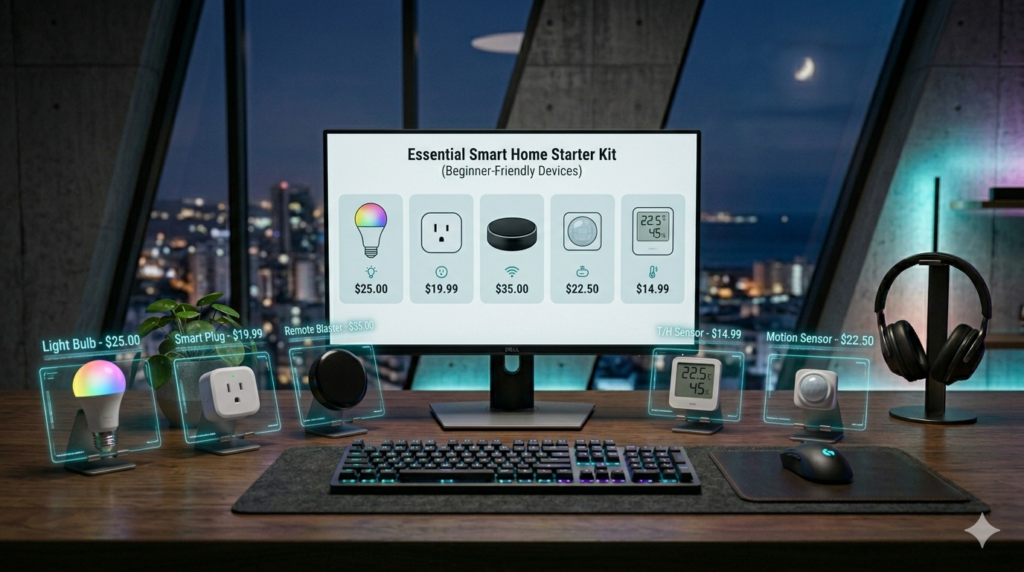
Quick Look: Best Budget Smart Upgrades
| Gadget Type | Product Recommendation | Key Benefit | Average Price |
| Smart Plug | Kasa Smart Plug Ultra-Mini (EP10) | Makes any dumb appliance smart | $12 – $15 |
| Smart Lighting | Wyze Bulb Color | Millions of colors + schedules | $15 – $20 |
| Smart Camera | Tapo C210 Pan/Tilt Home Security | Affordable 2K indoor monitoring | $30 – $35 |
| Streaming Device | Amazon Fire TV Stick 4K | Upgrades any TV with voice control | $35 – $45 |
1. Kasa Smart Plug Ultra-Mini (Best for Absolute Beginners)
The simplest way to start a smart home is with a smart plug. The Kasa Ultra-Mini plugs into any standard wall outlet, allowing you to turn whatever is plugged into it—like a coffee maker, a desk lamp, or a fan—on or off using your smartphone or voice commands.
- Why it’s great: It supports scheduling, meaning you can program your lamp to turn on automatically at sunset or ensure your curling iron shuts off after you leave the house.
- Compatibility: Works flawlessly with both Amazon Alexa and Google Assistant without needing a dedicated smart hub.
2. Wyze Bulb Color (Best for Instant Atmosphere)
Changing your lighting is the easiest way to drastically alter the mood of a room. The Wyze Bulb Color screws into any standard light socket and offers a massive spectrum of 16 million colors, alongside tunable white light ranging from warm cozy yellow to crisp daylight white.
- Why it’s great: Beyond custom colors, you can set “scenes” for movie nights, reading, or waking up f the morning. It also features a vacation mode that turns lights on and off randomly to make it look like someone is home.
- Compatibility: Connects directly to your home Wi-Fi network—no extra bridge or hub required.
3. TP-Link Tapo 2K Pan/Tilt Security Camera (Best for Budget Security)
Home security used to require complex wiring and monthly contracts, but entry-level Wi-Fi cameras have completely disrupted the market. The Tapo indoor camera offers crisp 2K resolution and a physical pan/tilt mechanism controlled right from your phone.
- Why it’s great: It includes smart AI detection that can differentiate between normal motion, a person, or a crying baby, sending instant alerts to your phone. It also features a physical privacy mode that covers the lens when you are at home.
- Storage: Supports local storage via a microSD card slot, saving you from mandatory monthly cloud subscription fees.
4. Amazon Fire TV Stick 4K (Best for Living Room Upgrade)
If you have an older television or a basic smart TV with a sluggish interface, a dedicated streaming stick is an essential upgrade. The Fire TV Stick 4K plugs straight into an HDMI port and instantly delivers high-definition streaming, fast navigation, and access to thousands of apps.
- Why it’s great: The included Alexa Voice Remote lets you search for content, launch apps, and even control your other smart home gadgets (like checking your security camera feed right on your TV screen) using your voice.
💡 Smart Buying Tips for Beginners
To avoid frustration and save money when building your setup, keep these three basic rules in mind:
- Check Your Wi-Fi Frequency: Almost all budget smart home gadgets operate strictly on the 2.4GHz Wi-Fi band because it offers a wider range than 5GHz. Make sure your router has its 2.4GHz band enabled during initial setups.
- Stick to an Ecosystem Early On: Before buying multiple brands, decide whether you prefer using Google Home or Amazon Alexa. Ensuring all your budget gadgets are compatible with your ecosystem of choice makes controlling them infinitely smoother.
- Look for Local Storage Options: For smart cameras or video doorbells, try to pick brands that offer microSD card slots. This keeps your long-term costs at zero by avoiding recurring cloud storage fees.