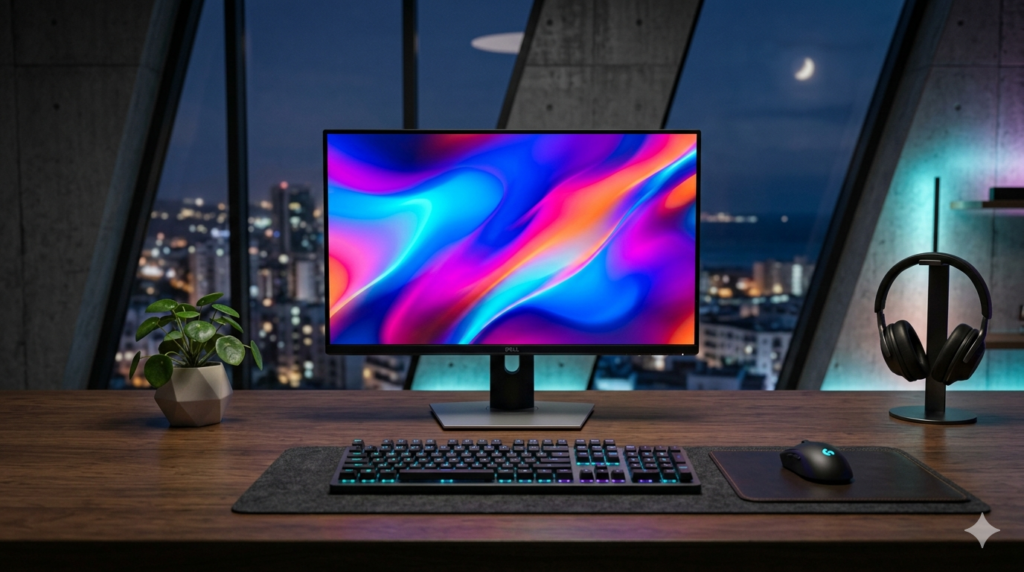
Moving from standard 1080p to a 1440p (Quad HD) resolution is the single best hardware upgrade any gamer or tech enthusiast can make. It offers a massive jump f clarity and screen real estate without requiring the incredibly expensive graphics cards needed to run 4K setups.
In 2026, the budget monitor market has evolved significantly. High refresh rates and vibrant panels that used to cost a fortune are now accessible at entry-level prices. If you want to build a clean, professional setup without breaking the bank, here are the absolute best budget 1440p gaming monitors available right now.
Quick Comparison: The Top Choices
| Monitor Model | Panel Type | Max Refresh Rate | Stand Adjustability | Best For |
| GIGABYTE G27Q | IPS | 144Hz | Tilt & Height | All-Round Performance |
| ASUS TUF Gaming VG27AQ3A | Fast IPS | 180Hz | Tilt Only | Competitive Gaming |
| Acer Nitro XV272U | IPS | 170Hz | Fully Adjustable | Budget Ergonomics |
1. GIGABYTE G27Q (The Undisputed Value King)
The GIGABYTE G27Q remains a legendary choice for budget-conscious users. Featuring a stunning 27-inch IPS panel, it delivers highly accurate colors and wide viewing angles, making it perfect not just for gaming, but also for daily productivity, content consumption, and web management tasks.
- Key Specs: 2560 x 1440 Resolution, 144Hz Refresh Rate, 1ms Response Time.
- Pros: Excellent contrast ratios for an IPS panel, built-in USB hub, and a sturdy height-adjustable stand.
- Cons: The built-in speakers are quite weak (though most users prefer headphones anyway).
2. ASUS TUF Gaming VG27AQ3A (The Speed Demon)
If your primary focus is smooth, high-fps competitive gaming, the ASUS TUF Gaming VG27AQ3A is the model to beat this year. By utilizing a “Fast IPS” panel, it pushes the refresh rate up to an impressive 180Hz, eliminating any ghosting or motion blur during fast action sequences.
- Key Specs: Fast IPS Panel, 180Hz Refresh Rate, Extreme Low Motion Blur (ELMB).
- Pros: Extremely fluid visuals, outstanding motion handling, and G-Sync/FreeSync premium compatibility.
- Cons: The stand only offers tilt adjustments, meaning you will need a monitor arm if you want to rotate or raise it high.
3. Acer Nitro XV272U Vbmiiprx (Best Ergonomics on a Budget)
Acer has a reputation for stuffing premium features into budget frames, and this Nitro model is no exception. While it matches the competitive 170Hz refresh rate of its rivals, it wins big by offering a fully ergonomic stand that tilts, swivels, pivots, and adjusts for height out of the box.
- Key Specs: IPS Panel, 170Hz Overclocked, 95% DCI-P3 Wide Color Gamut.
- Pros: Incredible ergonomics, sharp text rendering for long reading sessions, and vibrant color accuracy.
- Cons: The HDR mode is entry-level and doesn’t offer true deep-black contrasts.
What to Look for in a Budget 1440p Monitor in 2026
When choosing your display, keep these technical priorities f mind to get the highest value for your money:
- Panel Type (IPS is Mandatory): Avoid old TN or cheap VA panels if you care about accurate visuals. IPS panels ensure that colors do not distort when you look at the screen from different angles.
- Refresh Rate: Do not settle for anything less than 144Hz. Even during basic web browsing or scrolling through long pages, a higher refresh rate reduces eye strain significantly.
- Connectivity: Ensure the monitor has at least one DisplayPort 1.4 connection to unlock the maximum refresh rate and resolution simultaneously.