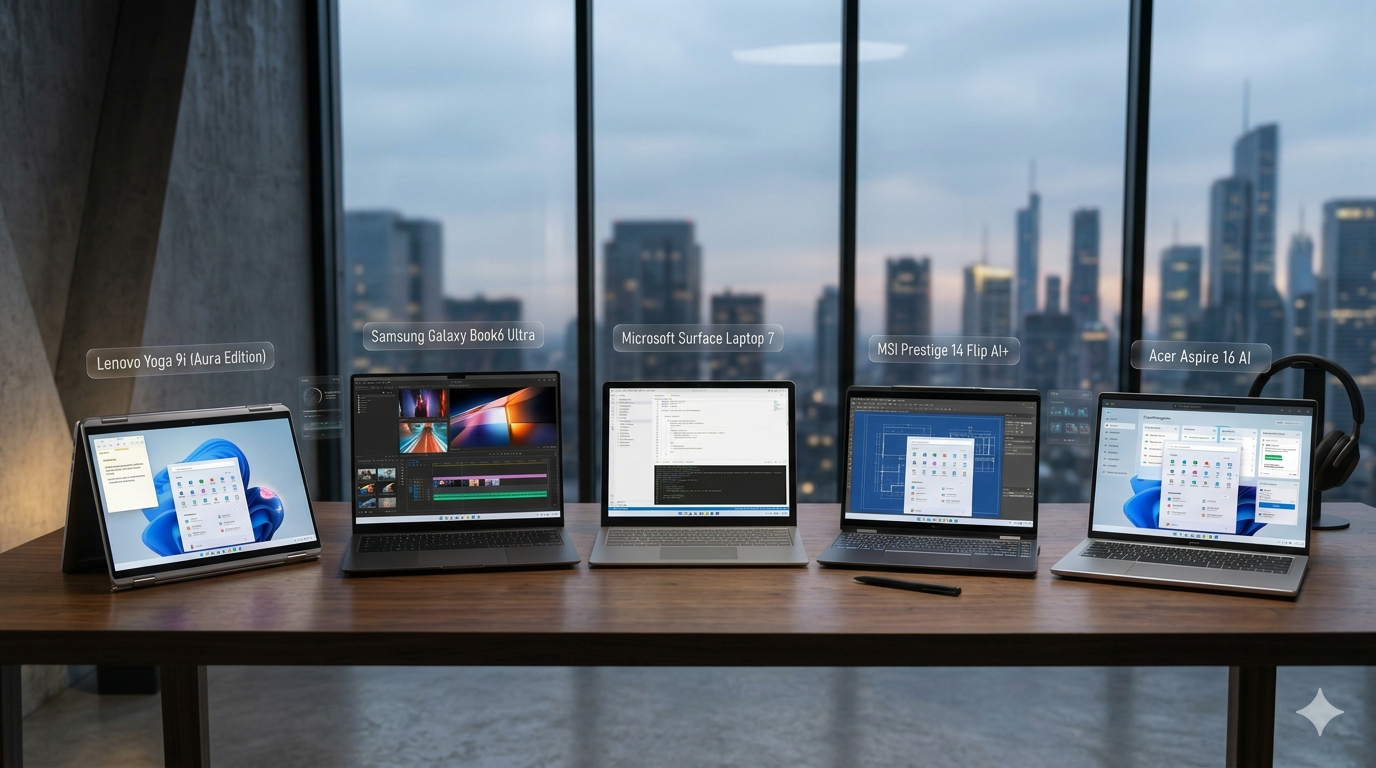
In the modern computing landscape, a 1TB Solid State Drive (SSD) has become the gold standard for users seeking the perfect balance between spacious storage and rapid system responsiveness. Gone are the days when a standard spinning hard drive was acceptable; today’s operating systems and applications demand the instant-access speeds that only solid-state technology can deliver. However, simply seeing "1TB SSD" on a laptop’s spec sheet doesn’t guarantee top-tier performance, as the underlying technology can vary wildly. To make an informed purchase, you must understand how different SSD specifications affect daily use and how to match that storage with other crucial hardware.
Key SSD Specs That Determine Laptop Performance
When shopping for a 1TB SSD laptop, the most critical specification to look for is the interface type, which acts as the highway connecting your storage to the rest of the system. Older or budget-friendly laptops might still use SATA SSDs, which top out at around 550 MB/s, but you should actively steer clear of these in favor of NVMe (Non-Volatile Memory Express) PCIe SSDs. Modern laptops typically feature PCIe Gen 3 or Gen 4 NVMe drives, with Gen 4 offering theoretical speeds up to 7,000 MB/s—nearly twelve times faster than SATA. Choosing a laptop with at least a PCIe Gen 4 SSD ensures that your system boots in seconds, applications launch instantly, and massive files transfer without painful delays.
Beyond the interface generation, you need to pay attention to sequential and random read/write speeds, which are usually measured in megabytes per second (MB/s) and IOPS (Input/Output Operations Per Second). High sequential speeds are fantastic for moving large files, like 4K videos, while high random read/write speeds dictate how snappy the laptop feels during everyday tasks like web browsing, multitasking, and system booting. When comparing laptops, look for drive specs that boast sequential read speeds of at least 3,500 MB/s to ensure you are getting a high-performance drive rather than an entry-level, budget NVMe option that might throttle under pressure.
Lastly, the internal architecture of the SSD—specifically the NAND flash type and the presence of a DRAM cache—plays a massive role in long-term speed and durability. Most consumer laptops use either TLC (Triple-Level Cell) or QLC (Quad-Level Cell) flash memory; TLC is generally superior because it offers faster write speeds and longer lifespans than QLC. Furthermore, a high-performance SSD should ideally have a dedicated DRAM cache, which acts as a super-fast index for the drive to locate data instantly. Laptops with "DRAM-less" SSDs can experience significant slowdowns during heavy tasks, such as installing large software suites or moving folders containing thousands of small files.
Balancing Your 1TB SSD with RAM and CPU Power
While a top-tier 1TB SSD is a powerful asset, it does not operate in a vacuum; its performance is strictly capped by the surrounding hardware. A common mistake is buying a laptop with a blisteringly fast SSD but pairing it with a weak processor or insufficient memory, creating a severe system bottleneck. To truly unlock the potential of your storage, you must ensure that your laptop’s Central Processing Unit (CPU) and Random Access Memory (RAM) are powerful enough to keep up with the rapid flow of data the SSD provides.
When it comes to the processor, look for at least a mid-range, current-generation CPU to act as the brain of your machine. For everyday multitasking, productivity, and light gaming, an Intel Core i5 or AMD Ryzen 5 is the baseline, while creative professionals and gamers should target an Intel Core i7, AMD Ryzen 7, or Apple’s M-series chips. A capable processor ensures that when the SSD delivers data at gigabytes per second, the system can actually compute and render that data without stuttering, freezing, or forcing the SSD to wait idle.
RAM is equally vital, serving as the ultra-fast temporary workspace where the CPU keeps active data. For a laptop equipped with a 1TB SSD, pairing it with anything less than 16GB of RAM is a missed opportunity, as 8GB will quickly fill up under modern workloads, forcing the operating system to use the SSD as virtual memory (swap space). While NVMe SSDs are fast, they are still significantly slower than physical RAM, and constant swapping will not only slow down your laptop but also accelerate the wear and tear on your SSD. Opting for 16GB or even 32GB of dual-channel RAM ensures seamless multitasking and preserves your storage drive’s longevity.
In conclusion, selecting the best 1TB SSD laptop requires a holistic approach that goes far beyond simply reading the storage capacity on the box. By prioritizing PCIe NVMe Gen 4 drives with TLC flash and a DRAM cache, you ensure your storage operates at peak physical speeds. When you pair this high-speed drive with a competent CPU and at least 16GB of RAM, you create a harmonious, bottleneck-free system. Taking the time to verify these specifications will reward you with a lightning-fast, future-proof laptop capable of handling whatever tasks you throw at it for years to come.